
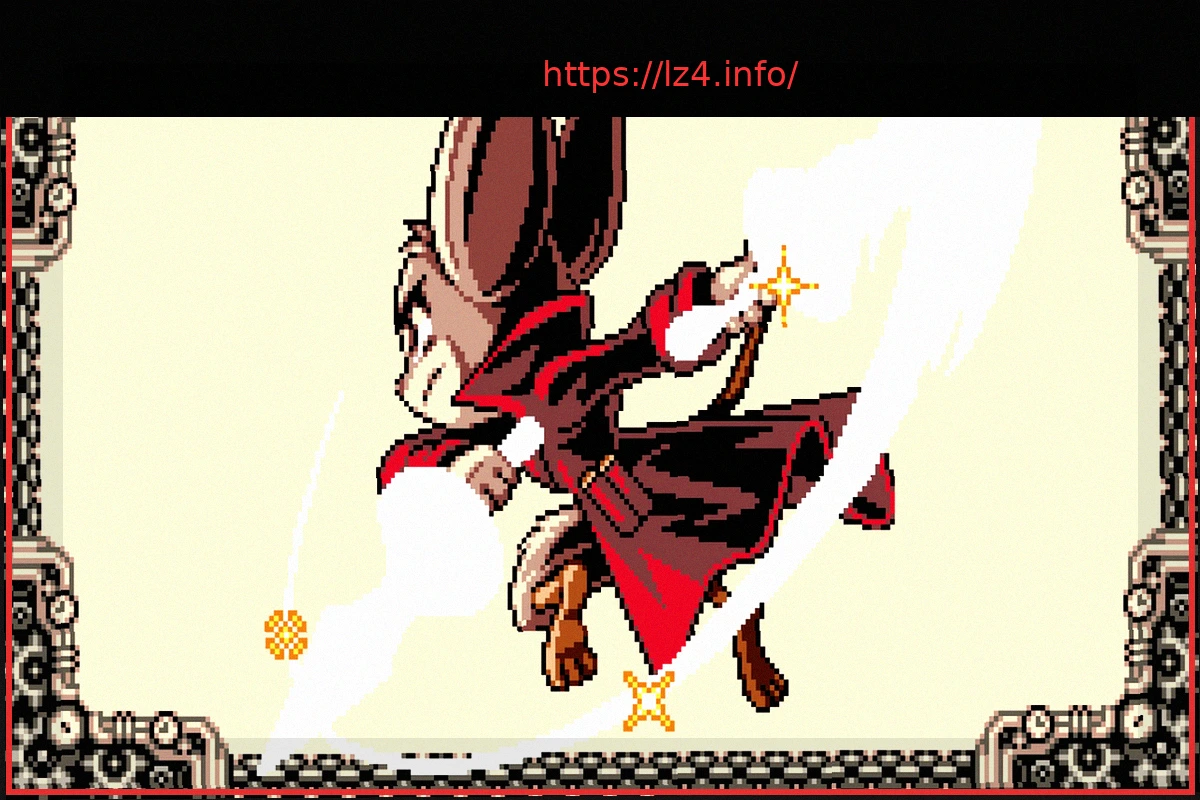
Mina the Hollower is a challenging game, especially in the early stages when you lack optimal builds and upgraded equipment. While it may superficially resemble games like The Legend of Zelda: Link’s Awakening, it shares more in common with Dark Souls or Bloodborne, known for their difficulty. To help new players have a less frustrating experience, we’ve compiled a straightforward guide filled with essential tips for your first hours in Mina the Hollower.
Choosing Your Starting Weapon in Mina the Hollower
At the beginning of your adventure, you’ll encounter a chest containing three initial weapon options:
- The fast daggers, Breath and Sleep
- The whip-like mace, Nightstar
- The explosive hammer, Dynamartillo
You can test each weapon on the selection screen, but once you proceed, you’ll be locked into your choice for a significant time before acquiring the others. So, which one should you pick?
These weapons represent subtle differences in difficulty. The daggers are quick but require you to stay dangerously close to enemies, while the hammer is powerful but very slow to charge. The whip, Nightstar, is the best choice for starting Mina the Hollower. It offers a good balance of damage and allows you to maintain a medium distance from foes. We recommend beginning your first playthrough with this weapon. With thorough exploration, you’ll eventually find the other two starting weapons (along with two more that aren’t initial choices) and can switch between them at the Laborabajo.
Get the Map
The map in this game isn’t as immediately helpful as in others. You can only access it at the Laborabajo, and it doesn’t pinpoint your exact location or clearly outline the level layouts. However, it can be quite useful for deciding where to go next. Seeing which regions are adjacent provides a good indication of the path forward. Once upgraded, it will also show you which items you’ve yet to find in each area after activating its generator.
If you’re unsure how to obtain or upgrade the map, we have a guide that can assist you.
Hit and Run. Hit and Run.
The game’s healing system is quite unique. Your vials only replenish health based on the amount of damage you’ve dealt to enemies. This means if you take damage, you need to land hits on opponents to fill the yellow bar before you can effectively use a vial to heal that lost health.
This mechanic encourages an aggressive playstyle, but caution is still advised. A useful strategy in dangerous situations is to hit an enemy once or twice and then retreat to a safe spot or the next screen. You can repeat this process until your yellow health bar is full, allowing you to heal and make the most of your vial.
Extra! Extra! Read All About It in the Newspaper!
Mina the Hollower doesn’t hold your hand; it won’t explicitly guide you on your objectives. You can explore the world with considerable freedom, but this might lead you to areas with enemies far too powerful for your current level.
When you feel lost, return to Ossex to speak with Novato and check the newspaper. The main headline always indicates the most appropriate current objective. There’s also a secondary headline that suggests another area suitable for your level.
Even if you’re not in Ossex but have already read a newspaper, you can access it from your inventory at any time.
Take Note!
Remember that this game doesn’t track optional quests or allow you to place markers on your map. Therefore, if a character asks for a favor, you spot an amulet you can’t reach yet, or you notice an alternate route you decide not to take immediately, make a note of its location using pen and paper or your phone.
The map in Mina the Hollower can be complex. You’ll be grateful later for having noted the location of that NPC who requested a snowball, or you might never find them again.
Don’t Be Afraid to Use Modifiers
By accessing the pause menu, you’ll discover dozens of modifiers that allow you to alter the game, making it either easier or more challenging.
If you’re finding the game too difficult (which is understandable, as it’s tough, especially early on), don’t let it diminish your enjoyment. Using a modifier to reduce incoming damage or increase your own can be incredibly helpful. In certain areas, you can even disable damage from abysses for a smoother experience.
Experiment freely to find the combination of modifiers that makes Mina the Hollower more accessible for you. There are even pre-set modifier combinations you can activate. While some modifiers may disable achievements, feats, or trophies, the game will clearly indicate when this is the case.
Always Keep an Axe
One of the most frustrating aspects of this game can be losing your equipped sub-weapon upon losing a life. Fortunately, there’s a way to mitigate this.
After completing the optional quest to rescue Rhene and restore the Guild of Voiders, you can purchase upgrades for the Laborabajo from Drillhardt. These include the Sub-Weapon Retriever and a sub-weapon copier.
With these devices, you can save copies of your sub-weapons, allowing you to retrieve them if you lose a life. This makes facing the enemies that defeated you less daunting.
Two Essential Talismans
While all the talismans in Mina the Hollower can be useful in specific situations, especially when combined, two are particularly noteworthy and recommended for making your adventure smoother as soon as possible.
The first is Tragorraudo, which significantly increases your movement speed. It can be purchased at the Talisman shop in Ossex.
The second is the Revolcador Gauntlets, found in the Tinderwood Forest northwest of Ossex. These allow you to dash into walls, opening up new paths and shortcuts throughout the game world.
Bones and Bone Shards
Bones are the equivalent of Souls in Dark Souls and are used not only for leveling up but also for purchasing items from all shops in the game. You can lose them if you die multiple times consecutively, depleting your “sparks.” Later in the game, you’ll acquire more sparks, allowing you to die more times without losing them, but until then, do your best to protect them.
Bone Shards, typically found as yellow gems, are “permanent” versions of bones that are not lost upon death. They can also be used to purchase items from shops but not for leveling up.
If you’re in a difficult area and fear losing your Bones, we recommend going to the Laborabajo and converting Bone Shards into Bones until you level up. This will not only improve Mina’s survivability but also allow you to return to action without the worry of losing your accumulated resources.
If a shop is nearby, you can also spend them on useful items like keys or talismans that catch your eye.
Mirror, Mirror
During one of your trips back to Ossex, head to the Grand Hall of the Radiant Hall and push the mirror until something happens. Do the same with any other mirror you encounter along your journey.
You’ll thank us later.
Buy the Green Cape!
Once you have two sparks and return to Ossex, don’t forget to visit the tailor and purchase the Green Cape, which costs 3000 Bones.
This item significantly boosts Mina’s health and defense, making the game much more manageable.
Keys in Your Pocket
Some of the most useful items in the game are keys, which can be found in chests, purchased from certain shops, and obtained as rewards from various activities. These unlock paths to new areas, shortcuts, and special chests found throughout the game.
It’s always a good idea to have at least one key available at all times. If you’re venturing into a new area and don’t have one, we recommend visiting the key shop in Ossex and buying at least one. If you encounter a blockage and don’t have a key to open it, make a note of its location to return later when you have the means to unlock it.
That Corner Looks “Different”
Mina the Hollower is a game brimming with secrets. If you pay close attention to the environments, you’ll notice some objects that stand out from the rest. They might have a different coloration or, as seen in the image, an extra detail like a crack.
By striking these objects, you can uncover rewards, new paths, shortcuts, and even secret areas. Keep your eyes peeled for what you might find.
We hope this guide with tips for starting Mina the Hollower has helped you enjoy your initial hours of gameplay more.